
Everplans is Now on Android
The Everplans app is now available on Google Play, so Android users can keep their plans close at hand, too.


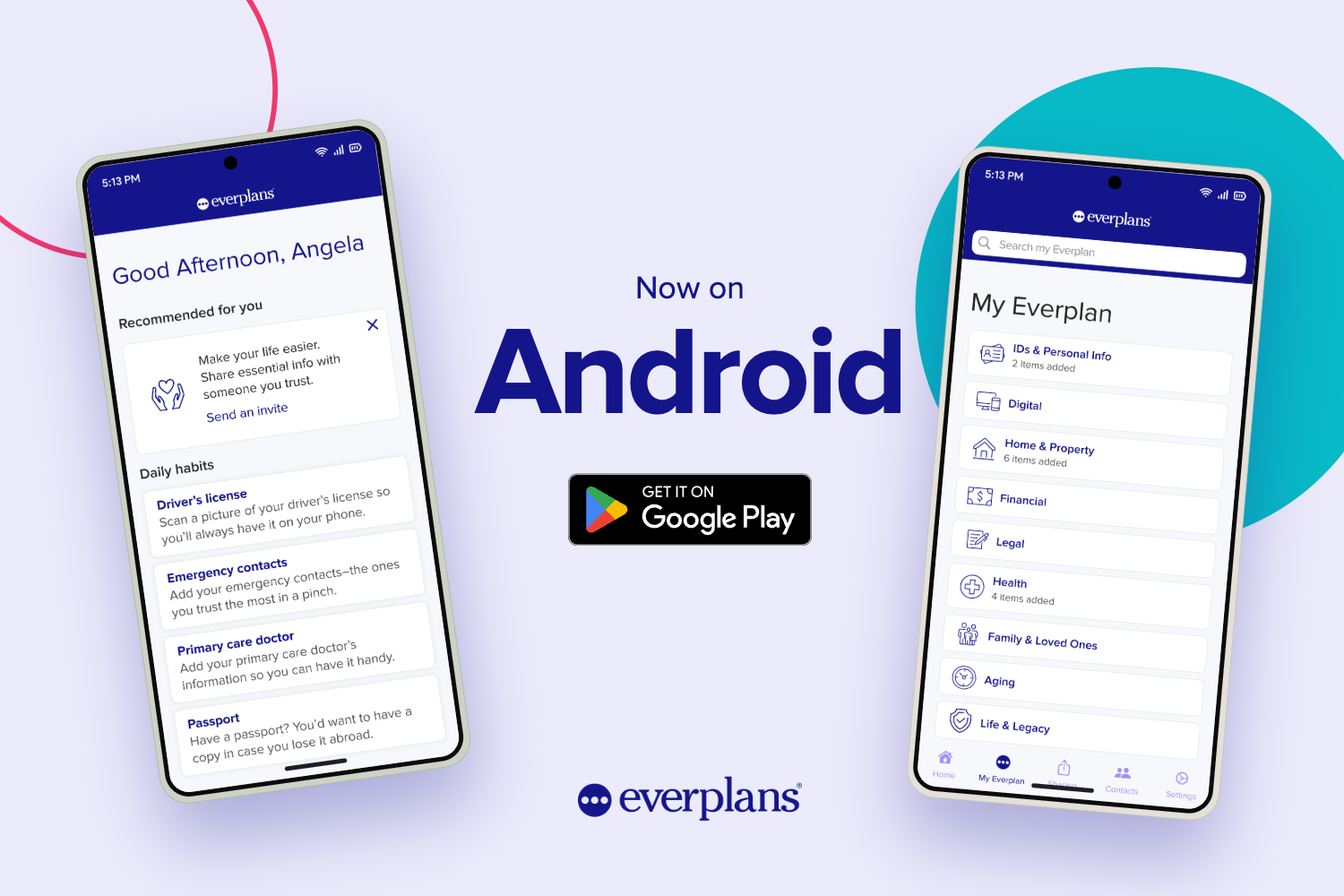
We're excited to announce that the Everplans app is now available for Android. Now nearly everyone with a smartphone can carry their Everplan with them!
The Android app offers the same experience Everplans users already know and trust:
- The bank-level security you rely on is the same on Android as it is on the web and iPhone.
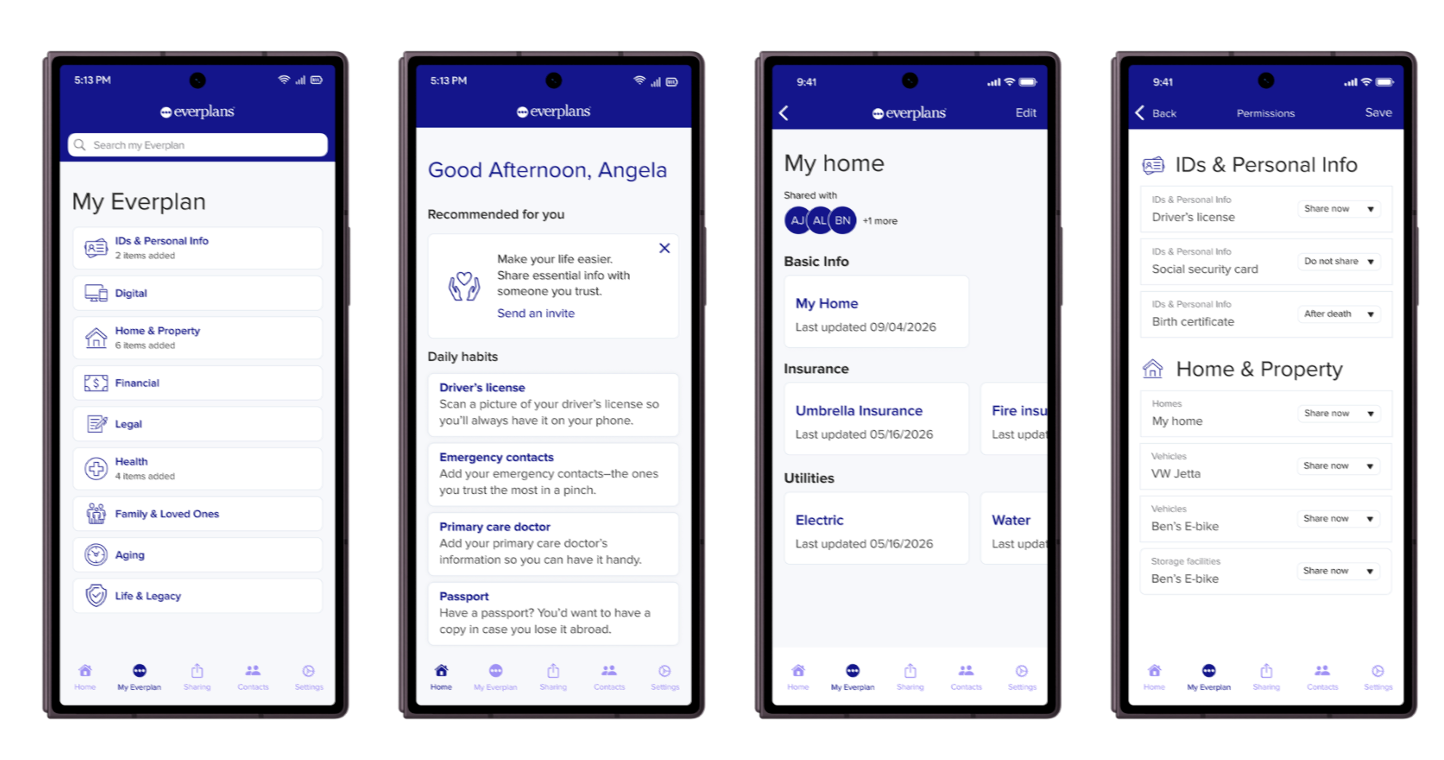
- Your whole Everplan, from important documents and accounts to final wishes, is organized just as it is on the web.
- Deputies can view what's been shared with them, so the people you count on have the information they need, when they need it.
- Sharing controls let you choose exactly which items each Deputy can see, one item at a time.

How to start using the app
If you already have an Everplans account, download the app from Google Play and log in with your email and password. Afterward, you can turn on fingerprint or face unlock for quick, secure access.
We'll also ask you to opt into notifications. They're a helpful way to get tips, encouragement, and updates on Deputy activity and new features. You can opt out anytime.
If you received your Everplan through a financial advisor or funeral home, please continue to accept your invitation and create your account on the web first. Then you can log in to the app at any time.
Already using Everplans on the web? Look for the QR code in your account. Scan it with your phone to go straight to the download.
A note for professionals
If you have an Everplans Professional account, you can also use the app to view and manage your personal Everplan. Please continue to use the web for Everplans Professional.
Let us know what you think
We're continuously working to improve the Everplans experience. Give the Android app a try, and if you have any feedback, please send us a message. We'd love to hear from you.